Instantly Change Any Dress Color in Your Photo
 By Admin
February 23, 2026
By Admin
February 23, 2026
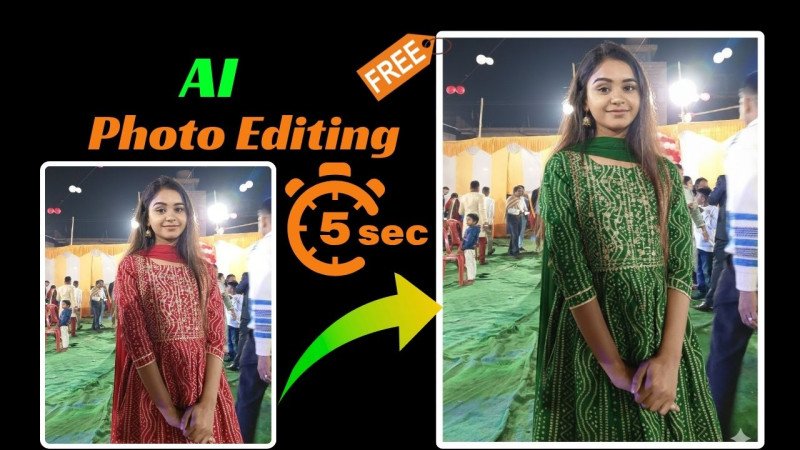
Want to see how you’d look in a different dress color without buying anything new or reshooting? This super-smart AI prompt lets you do exactly that in just seconds. Upload your photo to an AI image editor (like Gemini, Midjourney with remix, ChatGPT image edit, Leonardo, or any tool that supports precise photo editing), paste the prompt below, replace {TYPE DRESS COLOR} with whatever shade you want (example: deep maroon, pastel pink, emerald green, classic black, royal blue), and hit generate. Boom – your edited photo comes back almost instantly with only the dress color changed, everything else 100% untouched.
Here’s the powerful prompt that does the magic:
"Change only the color of the existing dress in the attached image to {TYPE DRESS COLOR}. Keep the same dress design, fabric, texture, pattern, stitching, and fit exactly as original. Do not modify the dress style or structure — only adjust the color. Do not change the face, facial features, expression, hairstyle, makeup, body shape, skin tone, pose, hands, accessories, background, lighting, shadows, reflections, camera angle, framing, or overall composition. Everything else must remain exactly the same. Ensure the new dress color looks natural and realistic, matching the original lighting, shadows, highlights, and fabric folds. Maintain accurate shading, depth, and texture visibility. Ultra-realistic color replacement, seamless blending, high detail fabric texture preserved, photorealistic rendering, sharp focus, HDR, ultra HD, 4K resolution, professional photography quality, no artifacts, no distortion, no color bleeding."
Why this prompt is so good: It starts with very strict instructions — “change only the color” and lists every single thing NOT to touch (face, pose, background, lighting, etc.). This stops the AI from going creative and messing up your original look. The phrase “keep the same dress design, fabric, texture, pattern, stitching, and fit exactly as original” locks in all details so the shape and feel stay perfect. Then it demands realistic results: matching shadows, highlights, folds, and lighting so the new color doesn’t look fake or pasted-on. Words like “ultra-realistic,” “seamless blending,” “no artifacts,” “no color bleeding,” and “4K HDR” push the AI to give clean, high-quality, pro-level output.
Best tips for awesome results:
- Use a clear, well-lit photo where the dress is easy to see.
- Be specific with the color name (e.g., “vibrant mustard yellow” instead of just “yellow”).
- If the first result isn’t perfect, add “more natural fabric shine” or “stronger shadow matching” at the end and regenerate.
This trick is perfect for wedding outfit trials, festive look experiments, or just fun color swaps. No apps, no Photoshop skills needed — just copy, paste, and enjoy your new colored-dress photo in seconds. Try it now and share your before-afters!
Related Posts
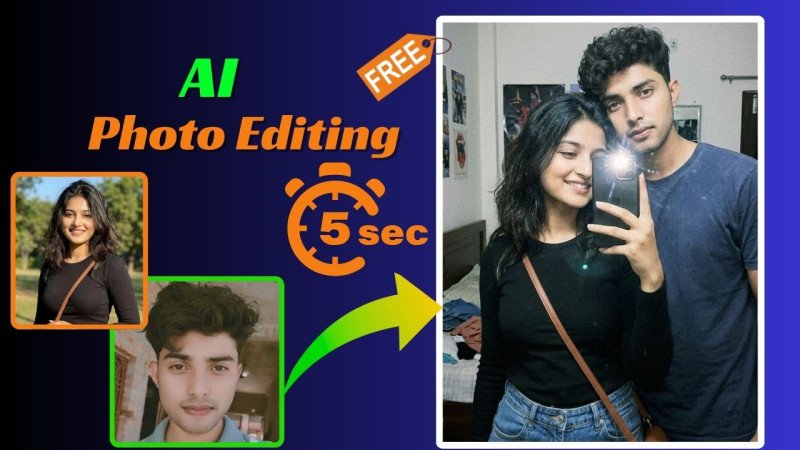
Create a Grainy Lo-Fi iPhone Mirror Selfie of You & Your Partner in Seconds – This AI Prompt Nails the Casual Candid Vibe with 100% Real Faces
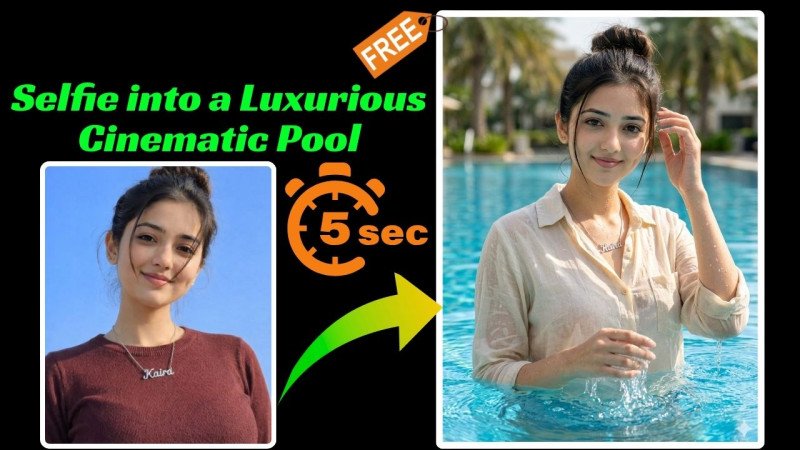
Selfie into a Luxurious Cinematic Pool Portrait in Seconds – This AI Prompt Adds Realistic Wet Look & Sunlit Splashes with 100% Unchanged Face